


Table Of Content
- SQL Server 2025 Licensing Guide: Standard vs Enterprise
- What Changed in SQL Server 2025 Licensing
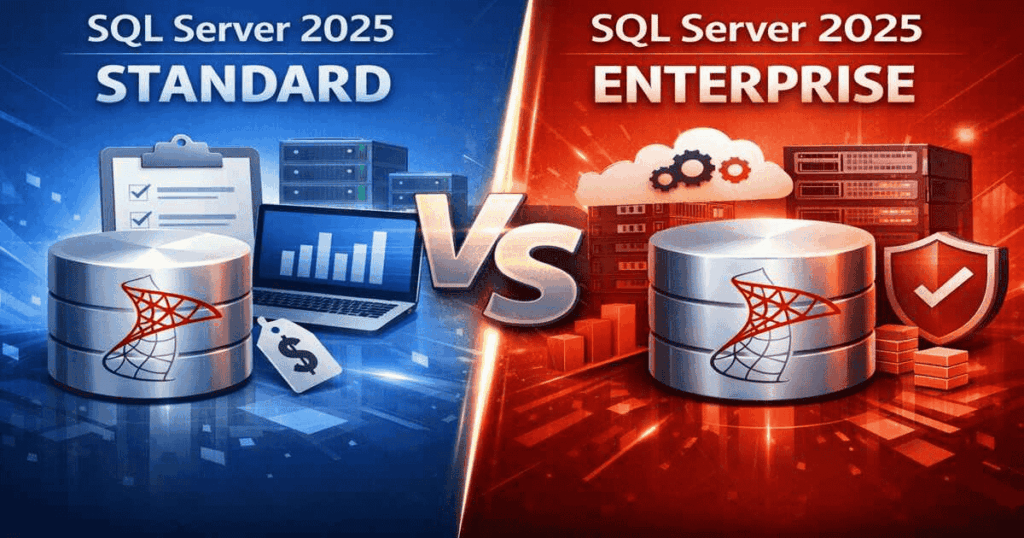
- Standard vs Enterprise: Core Differences
- Per Core vs Server + CAL Licensing
- Which Edition Should You Choose?
- Frequently Asked Questions
- Can I upgrade from SQL Server 2022 Standard to SQL Server 2025 Standard without buying a new license?
- Is Server + CAL licensing available for Enterprise Edition?
- Does SQL Server 2025 Standard support Always On Availability Groups?
- How many CALs do I need for Server + CAL licensing?
SQL Server 2025 Licensing Guide: Standard vs Enterprise
Choosing between SQL Server 2025 Standard and Enterprise comes down to three things: how many cores you need to license, whether you need high availability and advanced security features, and whether Core or Server + CAL licensing fits your environment better. This guide breaks down each one so you can buy the right edition the first time.
What Changed in SQL Server 2025 Licensing
SQL Server 2025 raised the ceiling on Standard Edition. It now supports up to 32 licensed cores, up from 24 in SQL Server 2022, and 256 GB of RAM, up from 128 GB. That means more businesses can stay on Standard longer before needing to move up to Enterprise.
Both editions now include Power BI Report Server use rights without requiring Software Assurance, a change from earlier versions where this was tied to an active SA agreement.
Standard vs Enterprise: Core Differences
| Feature | Standard Edition | Enterprise Edition |
| Max licensed cores | 32 | Unlimited |
| Max RAM | 256 GB | Operating system maximum |
| High availability | Basic (2-node failover) | Advanced (multi-node, Always On) |
| In-memory OLTP | Limited | Full |
| Virtualization rights | Per licensed instance | Unlimited with Software Assurance |
| Power BI Report Server | Included | Included |
| Best for | Small to mid-size workloads | Mission-critical, high-availability workloads |
If your workload fits inside 32 cores and 256 GB RAM, and you don’t need multi-node failover clustering, Standard covers you at a fraction of the cost. If you’re running mission-critical databases that can’t tolerate downtime, or you need in-memory performance at scale, Enterprise is the right call.
Per Core vs Server + CAL Licensing
SQL Server 2025 offers two licensing models:
Per Core licensing charges based on the number of physical or virtual cores your SQL Server instance uses. This is available for both Standard and Enterprise, and it’s the only option if you’re running in a cloud or pay-as-you-go environment.
Server + CAL licensing charges a license for the server itself, plus a Client Access License (CAL) for every user or device connecting to it. This model is only available with Standard Edition, and it’s usually cheaper for smaller environments with a limited, known number of users, think a branch office with 20 employees rather than a public-facing application with unpredictable traffic.
As a rough guide: if your user count is small and stable, Server + CAL is often more cost-effective. If your workload is core-intensive or your user base is large or variable, Per Core licensing scales better.
Which Edition Should You Choose?
Ask yourself these three questions:
1. Do you need more than 32 cores or 256 GB RAM? If yes, you need Enterprise.
2. Can your business tolerate a short outage if the primary server fails? If no, Enterprise’s advanced high-availability features are worth the cost. If yes, Standard’s basic failover is usually enough.
3. Do you have a small, fixed number of users? If yes, Standard with Server + CAL licensing is likely your cheapest path.
Most small and mid-size businesses running standard line-of-business databases, accounting systems, or internal applications will find Standard Edition covers their needs, especially with the expanded 32-core, 256 GB ceiling in SQL Server 2025.
How to Buy Genuine SQL Server 2025 Licenses
Indigo Software sells genuine, perpetual SQL Server 2025 licenses with instant electronic delivery, no subscription required. Browse our current editions:
If you’re not sure which core count or edition fits your setup, contact us and we’ll help you size it correctly before you buy, better to get it right once than pay for capacity you don’t need or run short on a license you do.
For businesses also running Windows Server alongside SQL Server, see our Windows Server 2025 pricing guide to plan your full infrastructure budget together.
Frequently Asked Questions
Can I upgrade from SQL Server 2022 Standard to SQL Server 2025 Standard without buying a new license?
No, SQL Server licenses don’t automatically upgrade to new major versions. You’ll need to purchase SQL Server 2025 separately, or check if you have active Software Assurance, which typically includes version upgrade rights.
Is Server + CAL licensing available for Enterprise Edition?
No, Server + CAL licensing is only available for Standard Edition. Enterprise Edition is licensed exclusively per core.
Does SQL Server 2025 Standard support Always On Availability Groups?
Standard Edition supports basic Always On Availability Groups with a 2-node limit. Full multi-node Always On requires Enterprise Edition.
How many CALs do I need for Server + CAL licensing?
You need one CAL per user or device that connects to the SQL Server instance, whichever licensing model (per-user or per-device) fits your environment better. Every unique connecting user or device needs its own CAL.
Discover more from Indigo Software
Subscribe to get the latest posts sent to your email.


