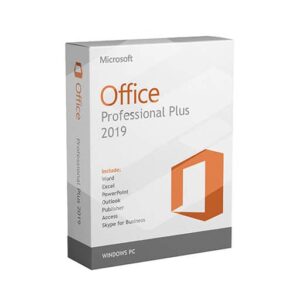
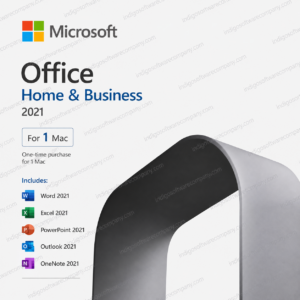
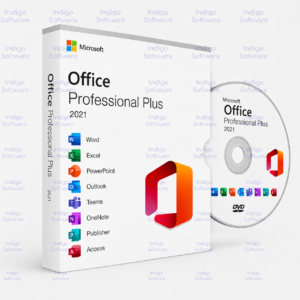
Office 2016, 2019, and 2021 are all still fully genuine, supported ways to run Microsoft Office as a one-time purchase, no subscription required. Here’s how to download, install, and activate whichever version you own, plus what to know about older hardware compatibility.
Which Version Do You Have?
Check your purchase confirmation or product key card, it will specify Office 2016, 2019, or 2021. Each installs the same way, only the download link differs.
Step 1: Download the Installer
Go to setup.office.com and sign in or enter your product key to reach your download. If you purchased through Indigo Software, your download link and key arrived together in your order confirmation email.
Step 2: Run the Installer
- Open the downloaded file and let it run, no admin decisions needed for a standard install.
- Wait for installation to complete, typically 5-10 minutes depending on your connection.
- Open any Office app (Word, Excel) to trigger activation.
Step 3: Activate
Enter your product key when prompted, or sign in with the Microsoft account the license is tied to if you redeemed it that way. Activation is instant with an internet connection.
Can You Install on Windows 7?
This is one of the most common questions we get, and the honest answer is: not officially. Office 2016 was the last version with any Windows 7 support, and even that ended with Microsoft’s official support for Windows 7 itself in January 2020. Office 2019 and 2021 both require Windows 10 or 11, they will not install on Windows 7. If you’re still on Windows 7, your practical options are Office 2016 (unsupported, but the installer will generally still run) or upgrading your OS first, see our MS Office for Windows 7 compatibility guide for the full breakdown.
Buy a Genuine License
Need a key first? Indigo Software sells genuine, perpetual Office licenses, one-time purchase, instant delivery, no subscription.
Frequently Asked Questions
Can I install Office 2021 or 2019 on Windows 7?
No. Both require Windows 10 or 11. Office 2016 is the last version with any Windows 7 compatibility, though Windows 7 itself is no longer supported by Microsoft.
Can I install Office 2016 on two computers with one license?
Standard retail licenses are tied to one device at a time. Check the specific terms of your purchase if you need multi-device coverage.
Does Office 2019 work on Mac?
Yes, Office 2019 has a Mac-compatible version. Make sure you’re downloading the Mac installer specifically, the Windows and Mac versions use different installers even under the same license type.
What happens if I lose my product key?
Check your original purchase confirmation email first. The key doesn’t need re-entry for normal use once activated, but keep it on file in case you need to reinstall on new hardware.
Discover more from Indigo Software
Subscribe to get the latest posts sent to your email.