


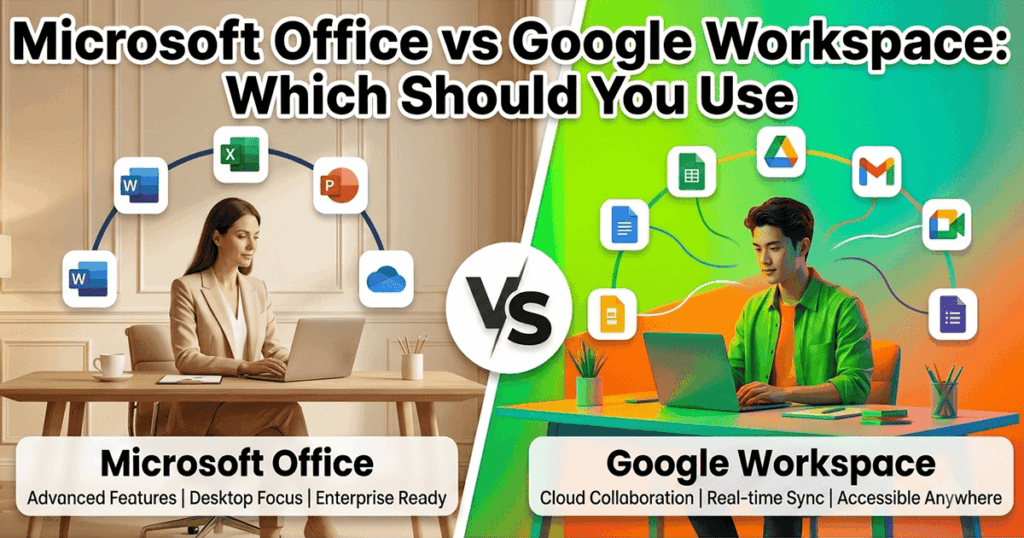
Microsoft Office and Google Workspace both get the job done, but the decision usually comes down to two things: how your team already works, and whether you want to own your software or rent it forever. Here’s the real comparison.
Watch the full comparison: Microsoft Office vs Google Workspace on YouTube
The Core Difference: Ownership vs Subscription
Google Workspace is subscription-only, you pay every month for as long as you use it, and access stops the moment you stop paying. Microsoft Office is available both ways, as a Microsoft 365 subscription, or as a one-time purchase (Office 2024, 2021, and earlier) that you own outright with no recurring fee. That distinction matters more than most feature comparisons, since it changes your total cost over 3-5 years significantly.
Feature Comparison
| Feature | Google Workspace | Microsoft Office (perpetual) |
|---|---|---|
| Offline editing | Limited, needs setup | Full offline, always |
| Advanced spreadsheet formulas / macros | Basic | Full Excel formula and VBA support |
| File format compatibility with business clients | Good, but conversion issues common | Native .docx/.xlsx/.pptx |
| One-time purchase option | Not available | Available (Office 2024/2021/2019) |
| Real-time collaboration | Excellent, built for it | Good via OneDrive/SharePoint |
| Desktop application depth | Web-based, lighter | Full desktop applications |
When Google Workspace Makes Sense
Small teams that live in the browser, collaborate constantly in real time, and don’t need advanced spreadsheet or document formatting tend to like Workspace. It’s genuinely good at simple, fast, shared editing.
When Microsoft Office Makes More Sense
- You work with clients or partners who send .docx, .xlsx, or .pptx files and expect perfect formatting back
- You use advanced Excel formulas, pivot tables, or macros regularly
- You want to stop paying monthly for software you use every day
- You need full offline access without setup or sync dependencies
The Real Cost Comparison
Google Workspace and Microsoft 365 both charge monthly, indefinitely. A one-time Office 2024 license costs once and keeps working. Over three years, a perpetual license costs less than either subscription, and you won’t be locked out if you stop paying. See our full breakdown in how to buy Microsoft Office without a subscription.
Buy Genuine Microsoft Office
Indigo Software sells genuine, perpetual Microsoft Office licenses with instant delivery. One-time purchase, no subscription, own it for good.
Frequently Asked Questions
Can Microsoft Office and Google Workspace files be opened in each other?
Mostly, yes, but complex formatting, advanced formulas, and macros often don’t convert cleanly between the two. If you exchange files with clients who use Office, working naively in Office avoids conversion issues.
Is a one-time Office purchase cheaper than Google Workspace long-term?
Usually, yes. Google Workspace charges indefinitely for as long as you use it. A perpetual Office license is a single cost that keeps working with no ongoing fee.
Does Microsoft Office work offline like desktop software should?
Yes, fully. Once installed and activated, Office desktop apps work completely offline. Google Workspace requires additional setup for limited offline access and isn’t built as an offline-first tool.
Discover more from Indigo Software
Subscribe to get the latest posts sent to your email.


