


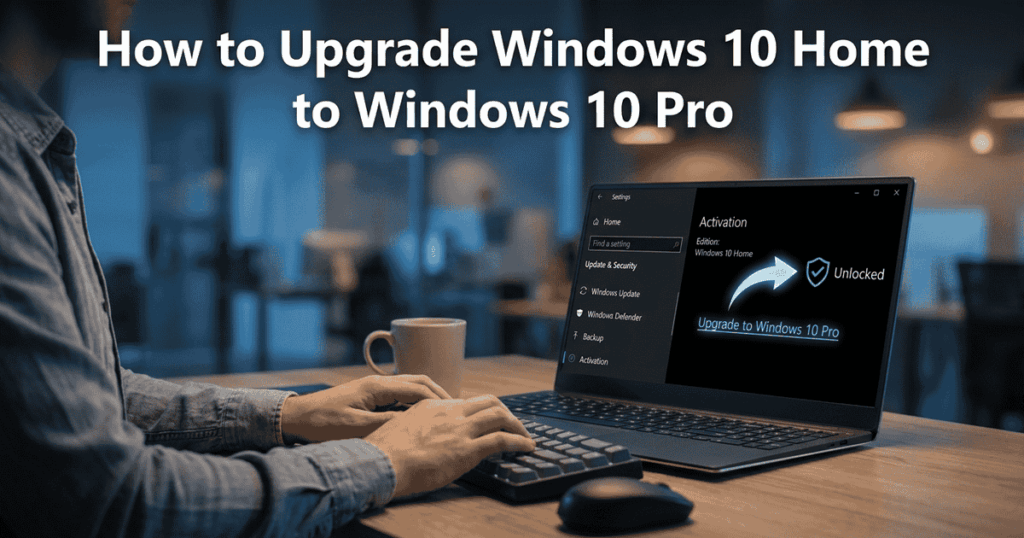
If you’re running Windows 10 Home and hitting walls around Remote Desktop, BitLocker, or joining a business network, the fix is a Windows 10 Pro upgrade, not a full reinstall. Here’s how to do it, plus what actually changes once you’re on Pro.
What You Get With Windows 10 Pro That Home Doesn’t Have
- Remote Desktop, connect to this PC from another device
- BitLocker device encryption
- Domain join and Group Policy, needed for most business networks
- Hyper-V for running virtual machines
- Higher RAM ceiling (2TB vs 128GB on Home)
Step 1: Get a Genuine Windows 10 Pro Product Key
You’ll need a valid Windows 10 Pro key to complete the upgrade. Indigo Software sells genuine Windows 10 Pro licenses with instant delivery, one-time purchase, no subscription. Your existing files, apps, and settings stay exactly where they are, this is an edition upgrade, not a fresh install.
Step 2: Open Settings and Start the Upgrade
- Go to Settings > Update & Security > Activation.
- Click Change product key.
- Enter your Windows 10 Pro key exactly as provided.
- Windows verifies the key and starts the edition upgrade automatically.
Step 3: Restart and Confirm
Your PC restarts once during the upgrade. When it’s back, go to Settings > System > About and confirm it now shows “Windows 10 Pro” under Edition. The whole process typically takes 10-15 minutes and nothing in your files or installed programs is affected.
Already Thinking About Windows 11?
If your hardware supports it, it’s worth comparing before you buy a key. See our Windows 11 Pro upgrade guide or go straight to Windows 11 Pro, also a genuine, one-time purchase license.
Frequently Asked Questions
Will upgrading from Windows 10 Home to Pro delete my files?
No. This is an in-place edition upgrade. Your files, installed programs, and settings stay exactly as they are.
How long does the Windows 10 Home to Pro upgrade take?
Typically 10-15 minutes including one restart, assuming a stable internet connection for activation.
Do I need to buy a full new Windows license, or just a Pro upgrade key?
A genuine Windows 10 Pro key is all you need. It unlocks the Pro edition on your existing Windows 10 installation, you don’t need to reinstall Windows or buy anything else.
Is Windows 10 still a good option in 2026, or should I go straight to 11?
Depends on your hardware and how much support runway you need. Check our Windows 11 upgrade guide linked above to see whether your device qualifies before deciding.
Wondering if you should skip Pro entirely and go straight to Windows 11? See our Windows 11 Pro vs Home comparison before you buy.
Discover more from Indigo Software
Subscribe to get the latest posts sent to your email.


