



Windows Server licensing confuses almost everyone the first time they buy it, mostly because there are two completely different licensing models and picking the wrong one either overpays or leaves you non-compliant. Here’s how it actually works.
The Two Licensing Models
Per-Core Licensing
You license the physical cores on the server itself, sold in 2-core packs, with a minimum of 16 cores per server regardless of how few you actually have. On top of the core license, every user or device that accesses the server needs a separate Client Access License (CAL). This is the standard model for Windows Server Standard and Data center editions.
Server + CAL Licensing
A simpler, older model still used for some legacy deployments: one license for the server itself, plus one CAL per user or device connecting to it. Less common today since Microsoft has pushed most new licensing toward the per-core model, but still relevant if you’re maintaining an older environment.
User CALs vs Device CALs
Whichever model you use, you’ll also choose between User CALs (one per person, they can connect from any device) and Device CALs (one per device, any user can use that device). Pick User CALs if people use multiple devices, Device CALs if devices are shared across multiple people, like a shift-based workstation.
How to Calculate What You Need
- Count your physical cores. If under 16, you still need to license 16 (the minimum).
- Round up to the nearest even number, cores are sold in 2-packs.
- Count your users or devices that need access, whichever is fewer, to decide User vs Device CALs.
- Choose Standard edition for up to 2 virtual machines, Data center for unlimited virtualization.
Standard vs Data center: The Short Version
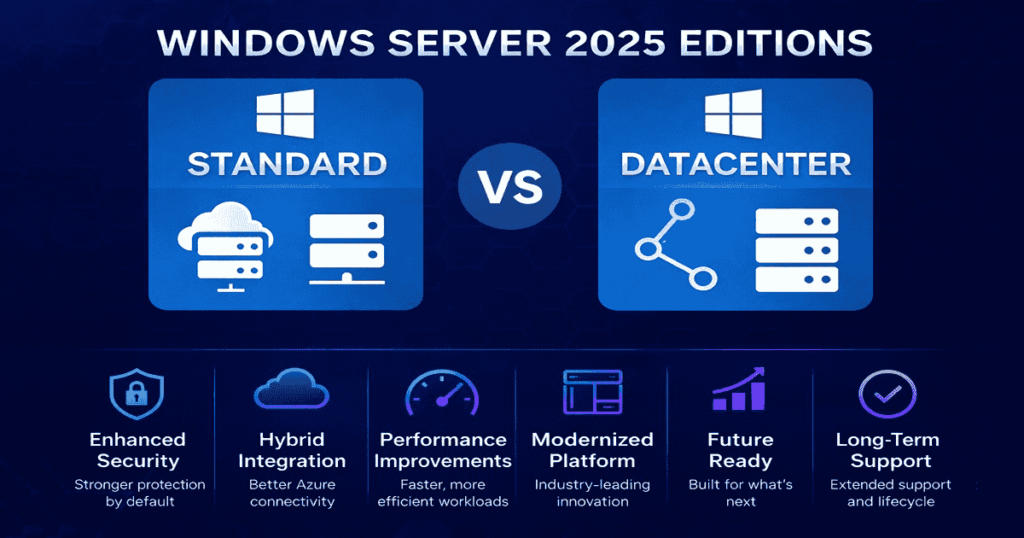
Standard covers up to 2 virtual machines per license. Data center includes unlimited virtualization on the same hardware, worth it once you’re running more than 2-3 VMs on a single server. See our full Standard vs Data center comparison for the complete breakdown.
Buy Genuine Windows Server Licenses
Once you know what you need, Indigo Software sells genuine Windows Server licenses, perpetual, one-time purchase, instant delivery, no subscription. See current pricing on our Windows Server 2025 pricing guide.
Frequently Asked Questions
Do I need CALs if only one person uses the server?
Yes. Every user or device accessing the server requires a CAL regardless of how many total users there are, even a single-person environment needs at least one.
What’s the minimum number of core licenses I can buy?
16 cores per server, regardless of your actual physical core count. If your server has 8 cores, you still license for 16.
Can I mix User and Device CALs on the same server?
Yes, you can license some users and some devices on the same server, useful for mixed environments with both dedicated staff and shared workstations.
Is Windows Server licensing a one-time purchase or a subscription?
Traditional Windows Server licenses through Indigo Software are perpetual, one-time purchase, no recurring subscription fees.
Discover more from Indigo Software
Subscribe to get the latest posts sent to your email.


